
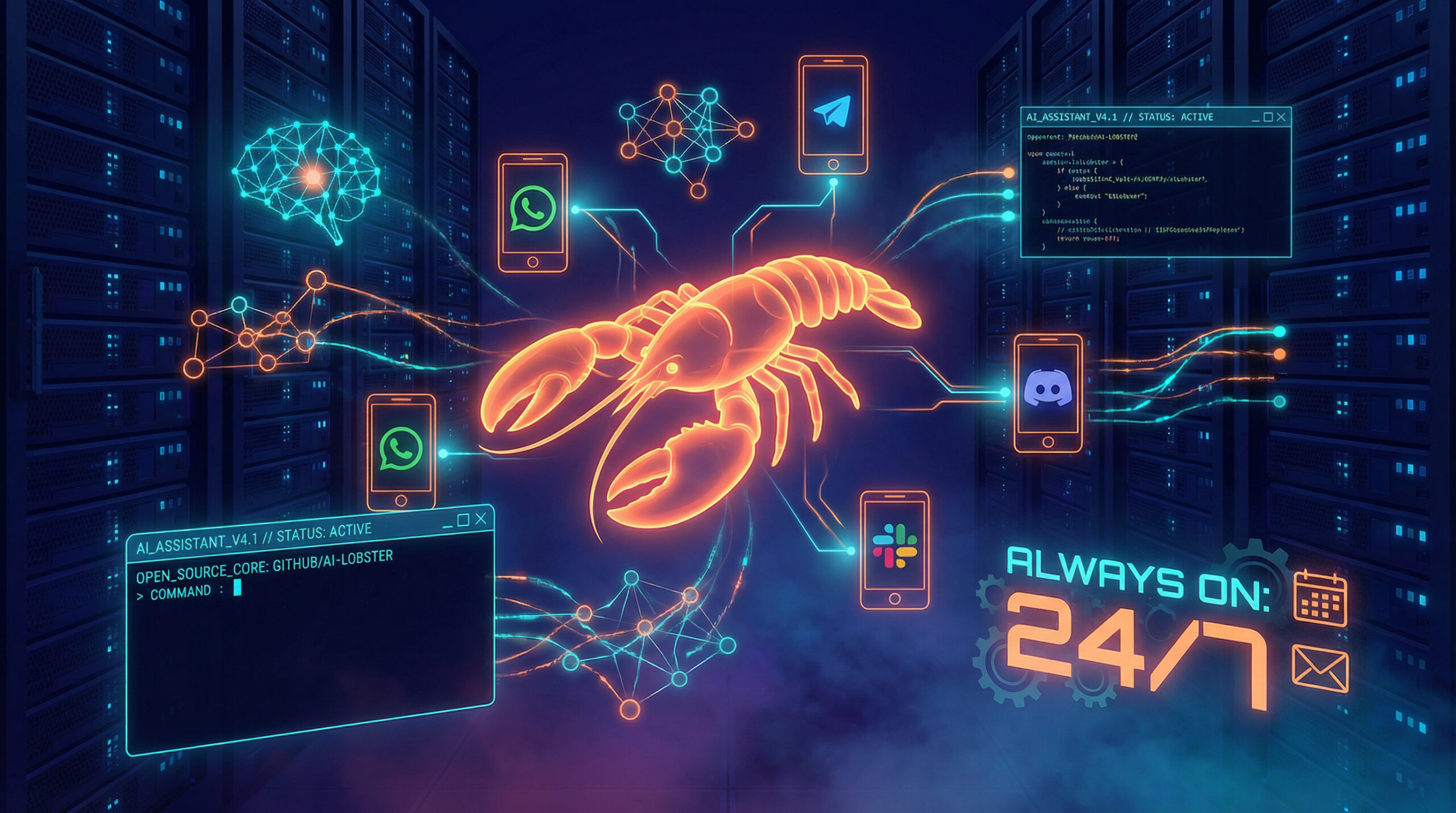
Have you ever wished you had a personal assistant who could actually do things for you? Not just answer questions, not just chat, but actually send emails, manage your calendar, check you in for flights, and handle the endless administrative tasks that eat up your productive hours?
If you're nodding along, you're not alone. For years, we've been promised AI assistants that would transform how we work. Instead, we got chatbots that forget everything the moment you close the tab. Fancy text predictors stuck in browser windows, waiting for you to do all the real work.
That's exactly why I got excited when I discovered OpenClaw. And let me be direct with you, this isn't another chatbot. This is something fundamentally different. Something that's making seasoned tech professionals say things like “It's running my company” and “This is the first time I've felt like I'm living in the future since the launch of ChatGPT.”
Let me show you what OpenClaw is, why it matters, and, perhaps most importantly, what it means for the future of work.
What Exactly Is OpenClaw?
OpenClaw is a personal AI assistant that runs on your own devices. But calling it an “assistant” honestly undersells what it does.
Here's the thing: traditional AI assistants live in chat windows. You ask them something, they respond, you close the window, they forget everything. OpenClaw is different. It's a 24/7 assistant with access to its own computer — your computer, actually, that can do everything a person could do sitting at that machine.
Think about it this way. Imagine you hired someone who sits at a desk with a keyboard and mouse, connected to your email, your calendar, your files, everything about your digital life. You message them like a coworker from your phone via WhatsApp, Telegram, Discord, or iMessage. They handle tasks, remember context, and work proactively in the background.
That's what OpenClaw is. That's what you have now.
The platform connects to all the messaging services you already use such as WhatsApp, Telegram, Slack, Discord, Google Chat, Signal, iMessage, and more. You don't need to learn a new interface or visit a special website. You just message it like you'd message a colleague.
A Brief History: From Clawdbot to OpenClaw
If you've been following the AI assistant space, you might have heard this project called by different names. Here's the evolution:
Clawdbot was the original name, a clever play on “Claude” (the AI model it primarily uses) and “bot.” The developer community loved it, and the project gained early traction under this name.
Moltbot came next. Anthropic, the company behind Claude, raised concerns about the name's similarity to their trademark. The creator, Peter Steinberger, renamed the project to Moltbot, a reference to molting, which is how lobsters grow (the project's mascot is a space lobster).
OpenClaw is the current and official name. The rename reflects the project's open-source nature and keeps the claw/lobster theme while moving away from any trademark concerns. If you search for “Clawdbot” or “Moltbot,” you'll find old references, but OpenClaw is what you should be looking for today.
This naming journey actually tells you something important about the project: it's community-driven, responsive to feedback, and here to stay. The active communities on Discord and Reddit have followed the project through every iteration.
What Problems Does OpenClaw Solve?
Let me break down the core problems this technology addresses:
The Memory Problem: Traditional AI chatbots suffer from digital amnesia. Every conversation starts fresh. They don't remember your preferences, your projects, or the context from yesterday's work. OpenClaw maintains persistent memory across all conversations. It builds a knowledge base, not just logs. It never asks “What were we talking about?”
The Action Problem: Most AI tools are passive. They can write an email draft, but you still need to send it. They can suggest calendar times, but you still need to book them. OpenClaw actually executes. It sends the emails, books the meetings, manages your calendar, processes your inbox, and handles tasks end-to-end.
The Integration Problem: Your digital life is fragmented across dozens of apps and services. OpenClaw bridges all of them through a unified interface, the messaging apps you already use daily.
The Availability Problem: Human assistants have working hours. OpenClaw runs 24/7. It can check your inbox at 3 AM and alert you to urgent issues. It can prepare your morning briefing before you wake up.
What Makes OpenClaw Revolutionary?
I've been in the tech industry long enough to be skeptical of “revolutionary” claims. Most turn out to be incremental improvements with good marketing. But here's why OpenClaw genuinely represents a paradigm shift:
It's Self-Improving and Hackable
Unlike closed AI products where you're stuck with whatever the company gives you, OpenClaw is open source and runs locally. Here's the wild part, it can literally improve itself. Users report that their OpenClaw instances build new capabilities, create their own tools, and extend their own functionality through conversation.
As one user put it: “It's the fact that OpenClaw can just keep building upon itself just by talking to it in Discord. The future is already here.”
It's Proactive, Not Just Reactive
Traditional assistants wait for commands. OpenClaw doesn't just respond, it anticipates. It monitors your systems, spots problems before they happen, and reaches out when there's something you need to know.
Imagine waking up to a notification: “I fixed the server crash at 3 AM.” That's the power of a proactive AI partner.
Your Data Stays Yours
In an era where every AI service wants to harvest your data, OpenClaw runs on your own hardware. Your context, your skills, your memory, all on your computer, not in some corporate cloud. As one developer noted: “It feels like running Linux versus Windows 20 years ago. You're in control.”
It Works Across Every Platform
The same assistant that handles your work emails on your laptop can check your schedule from your phone, control your smart home devices, or even run on a Raspberry Pi. One assistant, everywhere you need it.
Why Are People So Excited About OpenClaw?
Let me share some real reactions from the community:
“After years of AI hype, I thought nothing could faze me. Then I installed OpenClaw. From nervous ‘hi what can you do?' to full throttle – design, code review, taxes, PM, content pipelines… AI as teammate, not tool. The endgame of digital employees is here.”
“It's running my company.”
“At this point I don't even know what to call it. It is something new. After a few weeks with it, this is the first time I have felt like I'm living in the future since the launch of ChatGPT.”
“I'm literally on my phone in a Telegram chat and it's communicating with coding tools on my computer creating detailed spec files while I'm out on a walk with my dog.”
The excitement is genuine because people are experiencing something qualitatively different from other AI tools. It's not just faster or smarter, it's a fundamentally new category of software.
The Job Market Question: Will OpenClaw Replace Jobs?
Let me be direct with you about this because it's the question everyone's asking but few want to answer honestly.
Yes, OpenClaw and similar technologies will impact the job market. Significantly. When a single person with OpenClaw can accomplish what previously required a team, the economics of work fundamentally change.
But here's the nuance most people miss: it's not about replacing humans — it's about amplifying them.
Consider what's actually happening:
- Freelancers are handling more clients than ever before
- Solopreneurs are running operations that previously required employees
- Small teams are competing with enterprises
- Individual developers are shipping products at unprecedented speed
The jobs most at risk aren't all jobs, they're tasks that are repetitive, predictable, and don't require human judgment. Email management, calendar coordination, data entry, basic research, routine customer responses.
The jobs that become more valuable are those that leverage AI to multiply human creativity, judgment, and relationship-building.
How to Protect Your Career in the Age of AI Employees
If you're worried about AI like OpenClaw affecting your job, here's my honest advice:
1. Become an AI Operator, Not an AI Victim
The people thriving in this new landscape aren't fighting AI, they're mastering it. Learn to work with these tools. Set up your own OpenClaw instance. Understand what it can and can't do. The best way to not be replaced by AI is to be the person who knows how to use AI effectively.
2. Focus on What AI Can't Do
AI excels at execution but struggles with:
- Building genuine human relationships
- Making judgment calls with incomplete information
- Understanding nuanced context and emotions
- Creative vision and strategic thinking
- Physical presence and hands-on work
Double down on these uniquely human capabilities.
3. Move Up the Value Chain
If your job is mostly about executing tasks, you're vulnerable. If your job is about deciding which tasks to execute and why, you're valuable. AI needs human direction. Be the director.
4. Embrace Hybrid Workflows
The future isn't humans OR AI – it's humans WITH AI. The professionals who thrive will be those who build workflows where AI handles the tedious parts while humans focus on high-value activities.
Getting Started with OpenClaw
Ready to try it yourself? Here's how to set up OpenClaw:
Prerequisites
- Node.js version 22 or higher
- A computer that can stay on (Mac, Linux, or Windows via WSL2)
- An Anthropic Claude subscription (Pro or Max recommended) or OpenAI subscription
Installation
The setup is surprisingly simple:
# Install globallynpm install -g openclaw@latest # Run the onboarding wizardopenclaw onboard –install-daemon
That's it. The wizard walks you through everything: gateway setup, workspace configuration, channel connections, and skills installation.
Connecting Your Messaging Apps
After installation, connect your preferred messaging channel:
# For WhatsApp (shows QR code to scan)openclaw channels login # For Telegramopenclaw channels telegram setup # For Discordopenclaw channels discord setup
Your First Interaction
Once connected, simply message your OpenClaw from WhatsApp, Telegram, or whatever channel you connected. Start simple:
- “What can you do?”
- “Check my calendar for tomorrow”
- “Draft a response to my last email”
The assistant will respond directly in your messaging app.
Different Ways to Work with OpenClaw
As a Personal Assistant
Handle everyday tasks: email management, calendar scheduling, flight check-ins, research, reminders, and more. Message it like you'd message a human assistant.
As a Developer Tool
OpenClaw can control coding agents like Claude Code and Codex. You can start coding sessions from your phone, review code, run tests, and even have it autonomously fix bugs and open pull requests.
As a Business Operator
Some users run significant business operations through OpenClaw: customer support, content pipelines, project management, design work, and more. As one founder said: “It's running my company.”
As a Smart Home Controller
With access to your computer and the ability to make API calls, OpenClaw can control smart devices, optimize your environment based on health data, and automate your physical space.
Security: Keeping Yourself Safe
Let me be direct about security because this matters.
When you give an AI assistant access to your email, calendar, and files, you're giving it significant power. Here's how OpenClaw approaches security and what you should do:
Built-in Security Defaults
DM Pairing: By default, unknown senders who message your OpenClaw receive a pairing code. The bot won't process their messages until you approve them. This prevents random people from hijacking your assistant.
Local-First Architecture: Your data stays on your machine. Conversations, memory, files- all local. Nothing goes to third-party servers except the AI model calls themselves.
Open Source Transparency: Because the code is open source, security researchers can audit it. No black boxes hiding questionable practices.
Best Practices for Users
- Run openclaw doctor — This command surfaces risky or misconfigured settings.
- Be careful with allowlists — Don't add “*” to your allowFrom lists unless you want anyone to access your assistant.
- Review what you're connecting — Think twice before connecting sensitive accounts or giving access to critical systems.
- Use strong authentication — Protect the machine running OpenClaw as you would any computer with sensitive access.
- Start conservative — Begin with limited capabilities and expand as you understand the system better.
The Prompt Injection Risk
Any AI that processes external input faces prompt injection risks- malicious text designed to manipulate the AI's behavior. OpenClaw mitigates this through:
- Model selection (Claude with better prompt-injection resistance)
- Treating all inbound messages as untrusted input
- Sandboxing and permission controls
But no system is perfect. Don't have your OpenClaw process messages from completely untrusted sources without careful consideration.
The Bottom Line
OpenClaw represents something genuinely new: AI that moves beyond chatting to actually doing. It's the difference between an assistant who takes notes about what needs to be done and an assistant who gets things done.
Is it perfect? No. Is it the final form of AI assistants? Definitely not. But it's a significant leap forward, the kind that makes early adopters feel like they're living in the future while everyone else catches up.
For those worried about AI taking jobs: the wave is coming regardless. The question isn't whether to engage with these technologies, but how. Those who learn to work with AI employees will multiply their capabilities. Those who resist will find themselves competing with people who didn't.
My recommendation? Set up OpenClaw. Spend a weekend learning what it can do. Use it for real tasks. Form your own opinion based on experience, not fear.
The future of work is being written right now. You can be part of writing it, or you can watch it happen to you.
What are your thoughts on AI assistants like OpenClaw? Are you excited about the possibilities or concerned about the implications? I'd love to hear your perspective in the comments below.